Get started in minutes with our smart charging solution.
Simply download our app from the App Store or Google Play and enjoy seamless control of your charging station—anytime, anywhere.
Used to deliver relevant ads and measure campaign performance.
Used to deliver relevant ads and measure campaign performance.
To get started, please follow the steps below
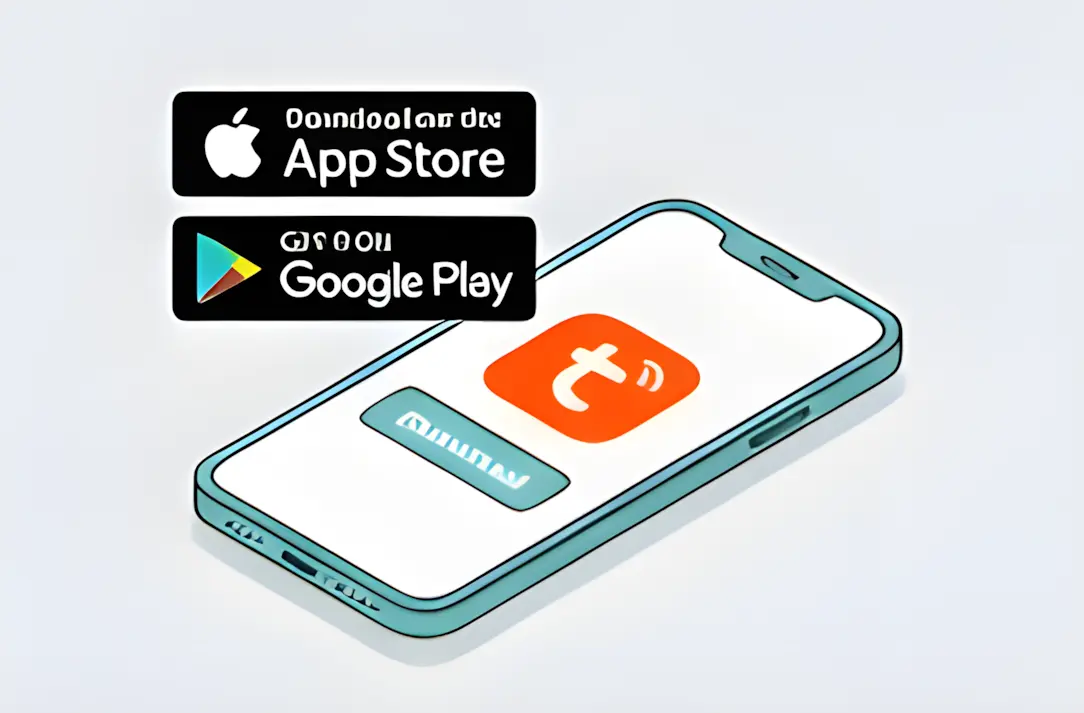
Step 1
Download the Tuya App from the App Store or Google Play
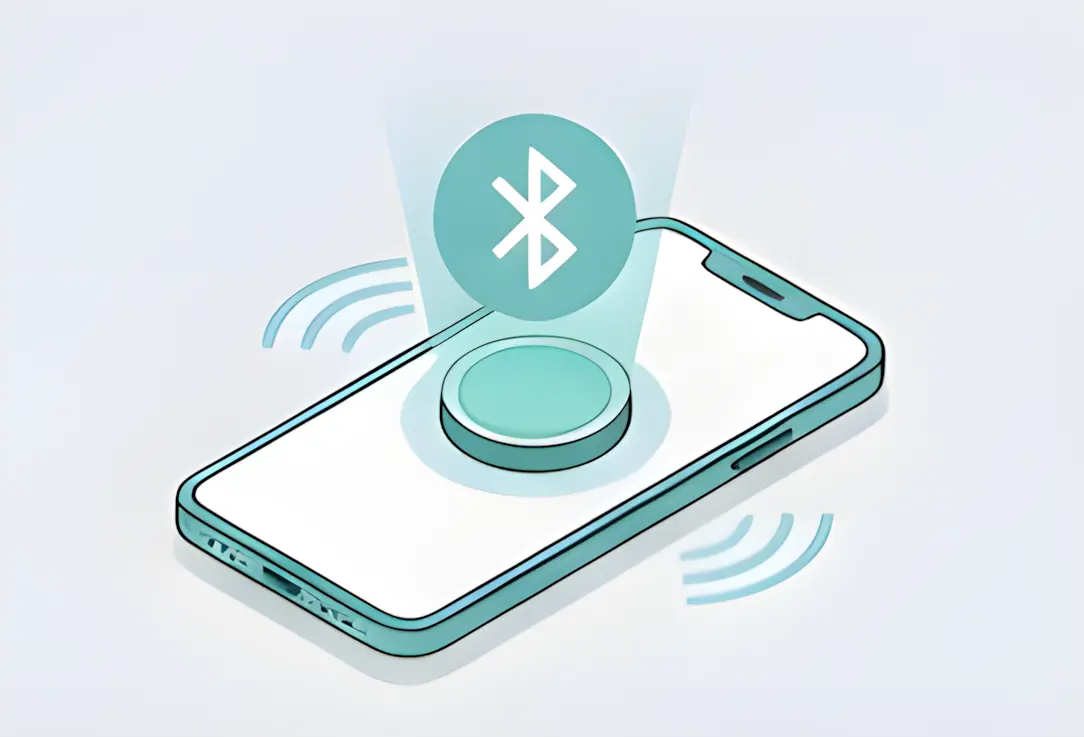
Step 2
Turn on Bluetooth on your mobile device
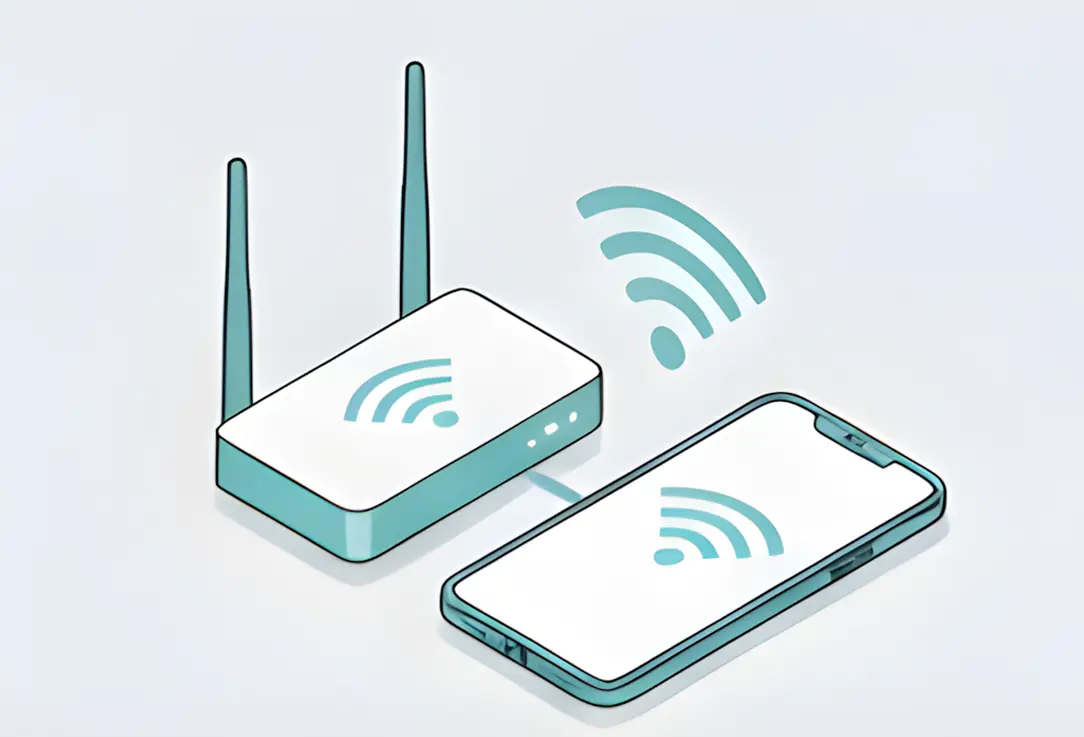
Step 3
Connect your charging station and phone to the same Wi-Fi or use your phone's hotspot
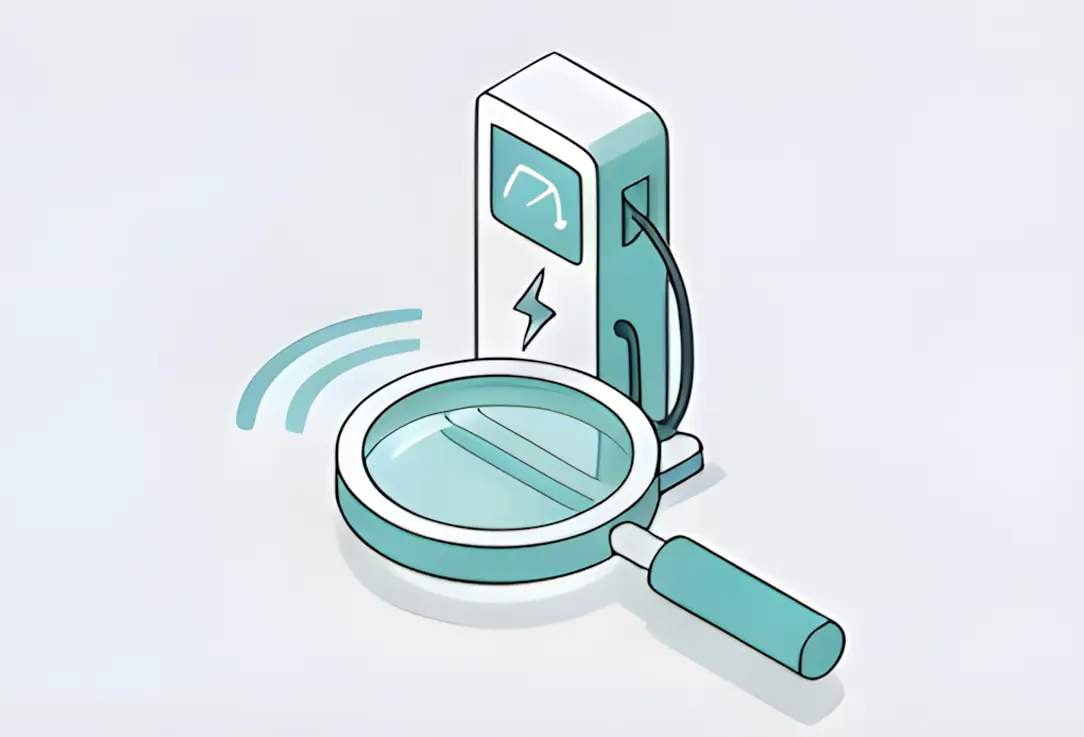
Step 4
Open the app and search for your charging station
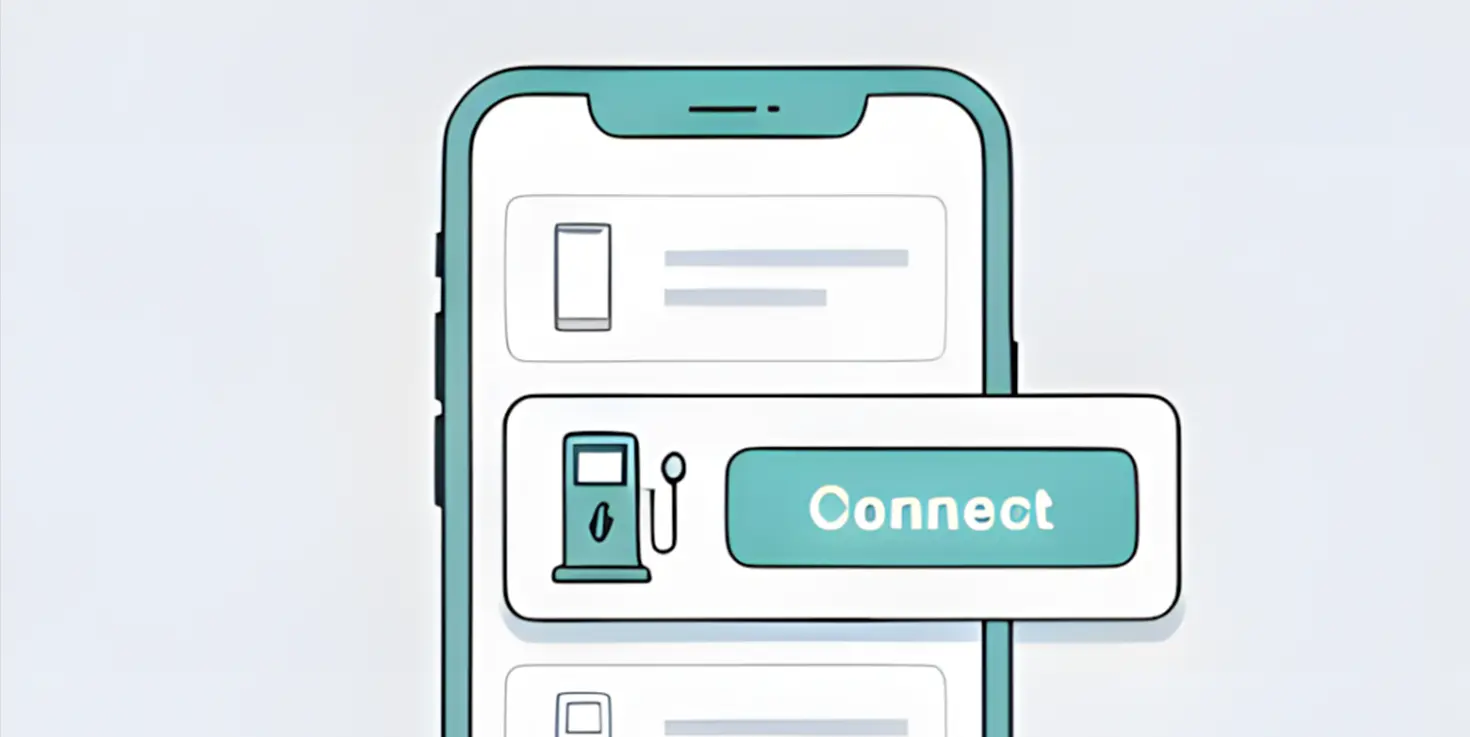
Step 5
Select and connect to the device
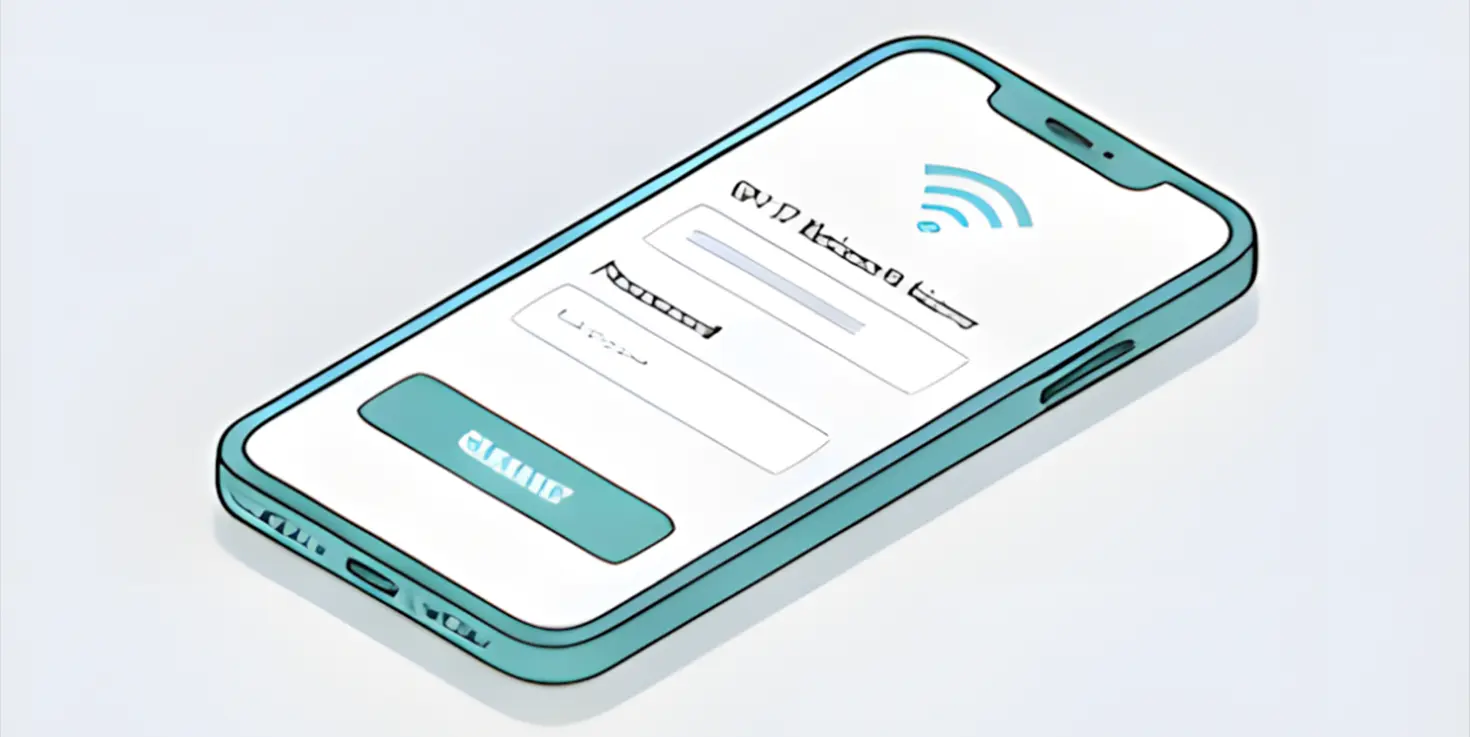
Step 6
Enter your Wi-Fi network name and password
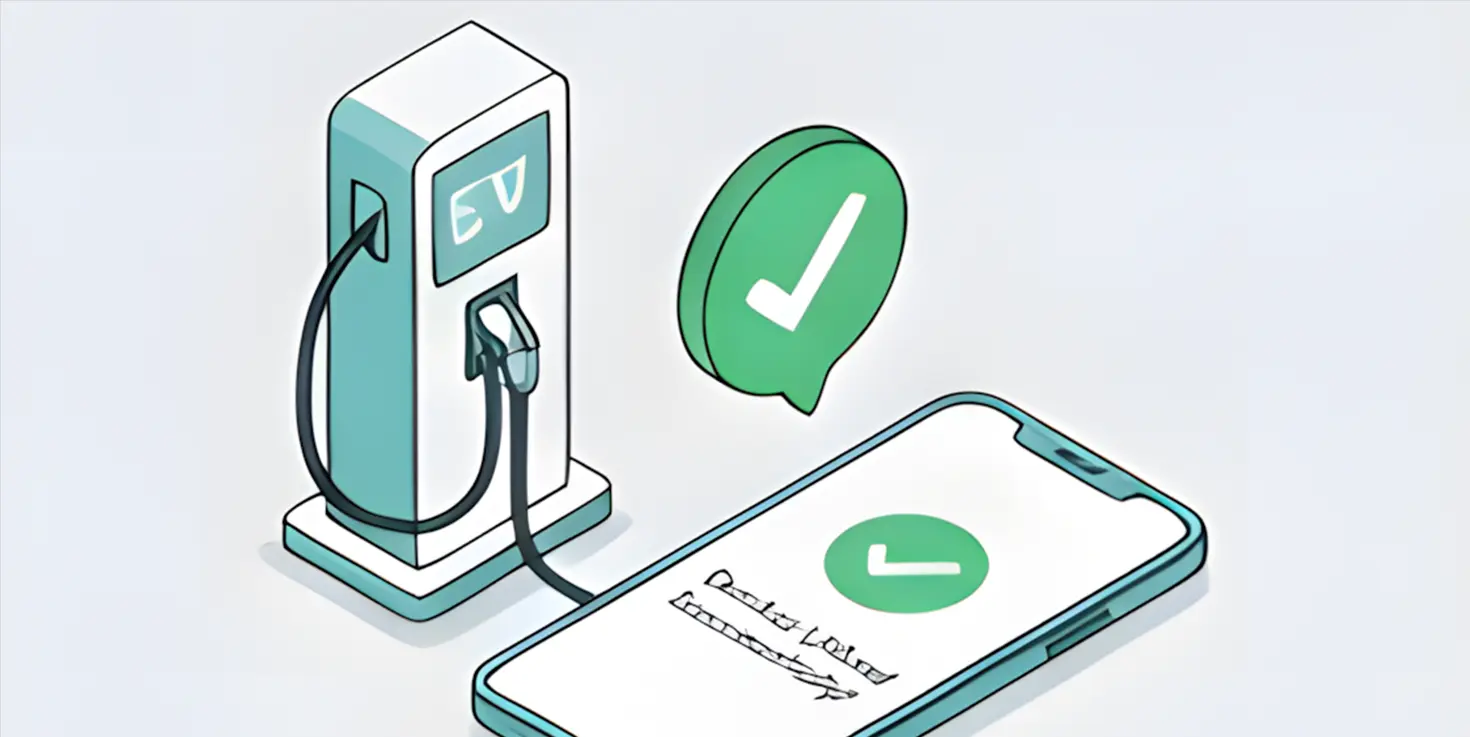
Step 7
Once connected, your charging station will be successfully linked to your account
App Features & How It Works
Our smart charging app gives you full control and visibility over your charging station—making EV charging simple, efficient, and reliable.
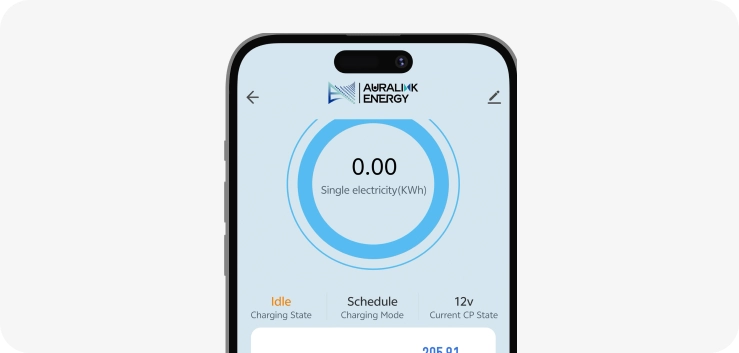
Real-Time Charging Overview
The main dashboard provides a live view of your charger's status, along with detailed session data—so you always know exactly how your charging is progressing.
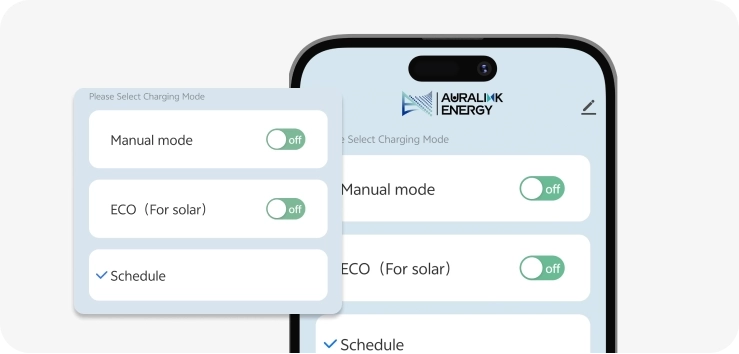
Flexible Charging Modes
Choose the charging mode that suits your needs: Plug & Charge for quick and easy use, Solar Load Balancing to optimise energy usage with your solar system, Scheduled Charging to take advantage of off-peak electricity rates
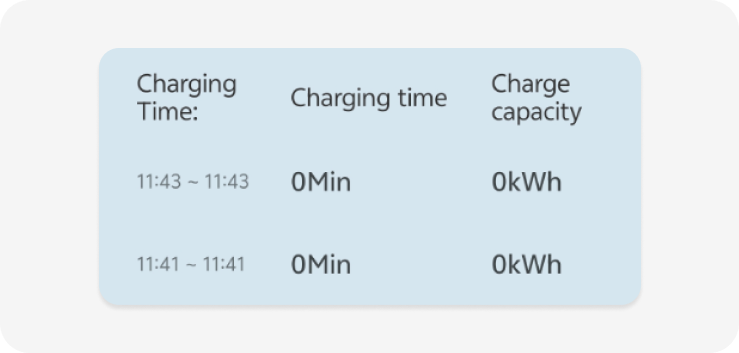
Charging History & Records
Track your usage with detailed insights, including: Total charging time, Energy consumed, Individual session records (date, duration, and energy usage)
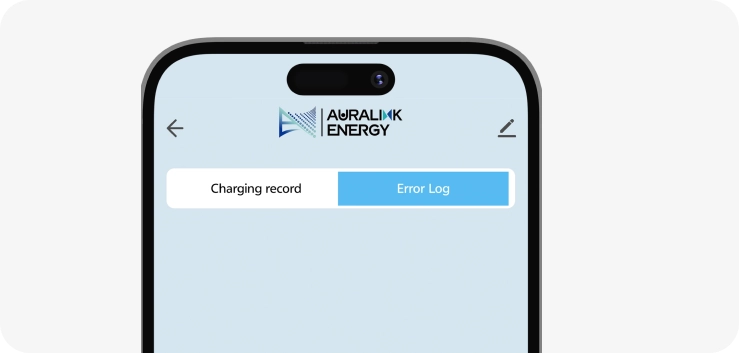
Fault & Alert Logs
Stay informed with a complete history of system alerts and fault notifications, helping you quickly identify and resolve any issues.
Advanced Settings & Controls
Easily customise your charging experience through the app: Set charging current, Configure load balancing for your household, Manage RFID card access, View and set your charger's LAN address, Connect your charger to a local Wi-Fi network
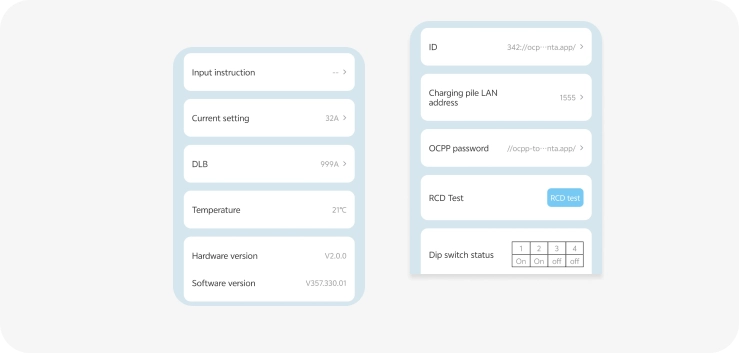
Developer Mode (Advanced Users)
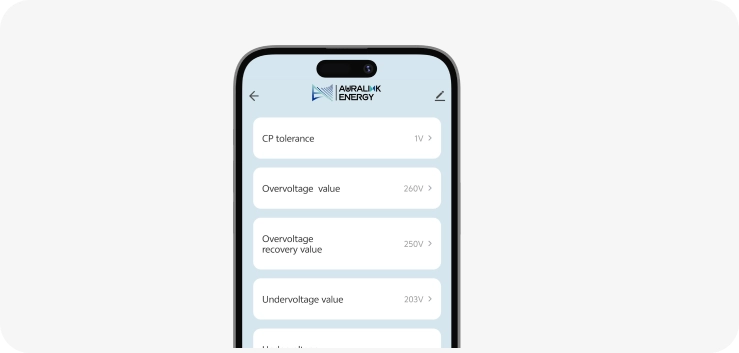
For advanced configuration, developer mode allows adjustment of voltage protection limits (over/under voltage range) to suit specific installation requirements.